
In 2009, the HTC HD2 was launched with a 4.3-inch display, which at the time was considered to be the maximum size for a smartphone screen. The HD2 was powered by the Windows Mobile 6.5 operating system and was applauded for its visually-appealing home screen. For its time, the 4.3-inch screen was considered enormous, with many analysts predicting that smartphone displays would not get any larger.
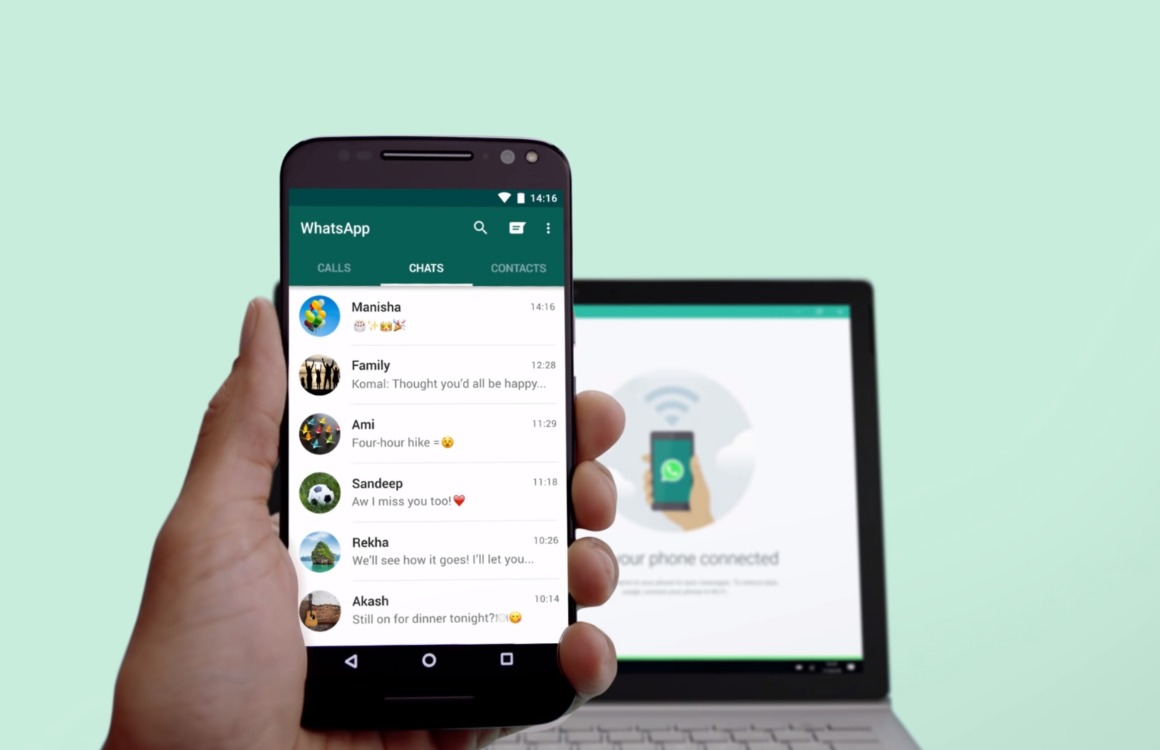
However, by 2011, Samsung shattered this belief with the introduction of the Samsung Galaxy Note. The device was equipped with a 5.3-inch screen, effectively creating a new category of phones known as “phablets”. The term phablet, a portmanteau of phone and tablet, was coined to describe these larger devices. As the size of Android screens continued to grow, it became increasingly challenging to operate certain apps single-handedly due to the positioning of the app’s elements on a larger screen. Google Messages is one such app.
Operating these larger phones with one hand can be a struggle, unless, perhaps, one has hands as large as those of NBA Hall of Famer Shaquille O’Neal. In particular, reaching the hamburger menu in the upper right corner of the screen can be quite a stretch. This inconvenient design left many users at risk of straining their hands.
In response, Google seems to be ready to replace the hamburger menu on Google Messages with a more user-friendly context menu. This new feature will allow users to access any critical aspect of the app from anywhere in the chat. At present, users must reach the top of the screen to access essential buttons, such as the delete button, by long-pressing a message.
With the proposed change, a long press on an open chat will show reactions, and tapping the hamburger icon will provide access to options such as Reply, Share, Forward, and View Details. Furthermore, the context menu will dynamically adjust depending on the selected message.
The positioning of these options right under the chat will make it easier for users to select an option without needing to stretch their fingers too far. The new user interface will also make it clearer which chats have been selected. When multiple messages are chosen, a checkmark will appear on the selected messages, simplifying the selection and deselection process.
What was the screen size of the HTC HD2 launched in 2009?
The HTC HD2 had a screen size of 4.3 inches.
What is a phablet?
A phablet is a category of phones that are larger than traditional smartphones but smaller than tablets. The term is a portmanteau of ‘phone’ and ‘tablet’.
What changes is Google planning to make to Google Messages?
Google is planning to replace the hamburger menu in Google Messages with a context menu, making it easier for users to access critical features of the app from anywhere within a chat.